
Operations & Support
Organising Laboratory Instrument Manual and Document Versions
Connect manuals to the correct unit, distinguish active references from archives, and assign update ownership so document versions remain traceable.
Published October 7, 2026
An instrument folder may contain its original manual, updates, accessory guides, and copies received at different times. Without a clear index, users can open the most familiar filename even when it does not match the current unit or configuration.
A version index helps teams find suitable references. It connects document identity, equipment, usage status, and update ownership. This supports everyday work; manual contents and operating procedures still follow references accepted by the organisation.
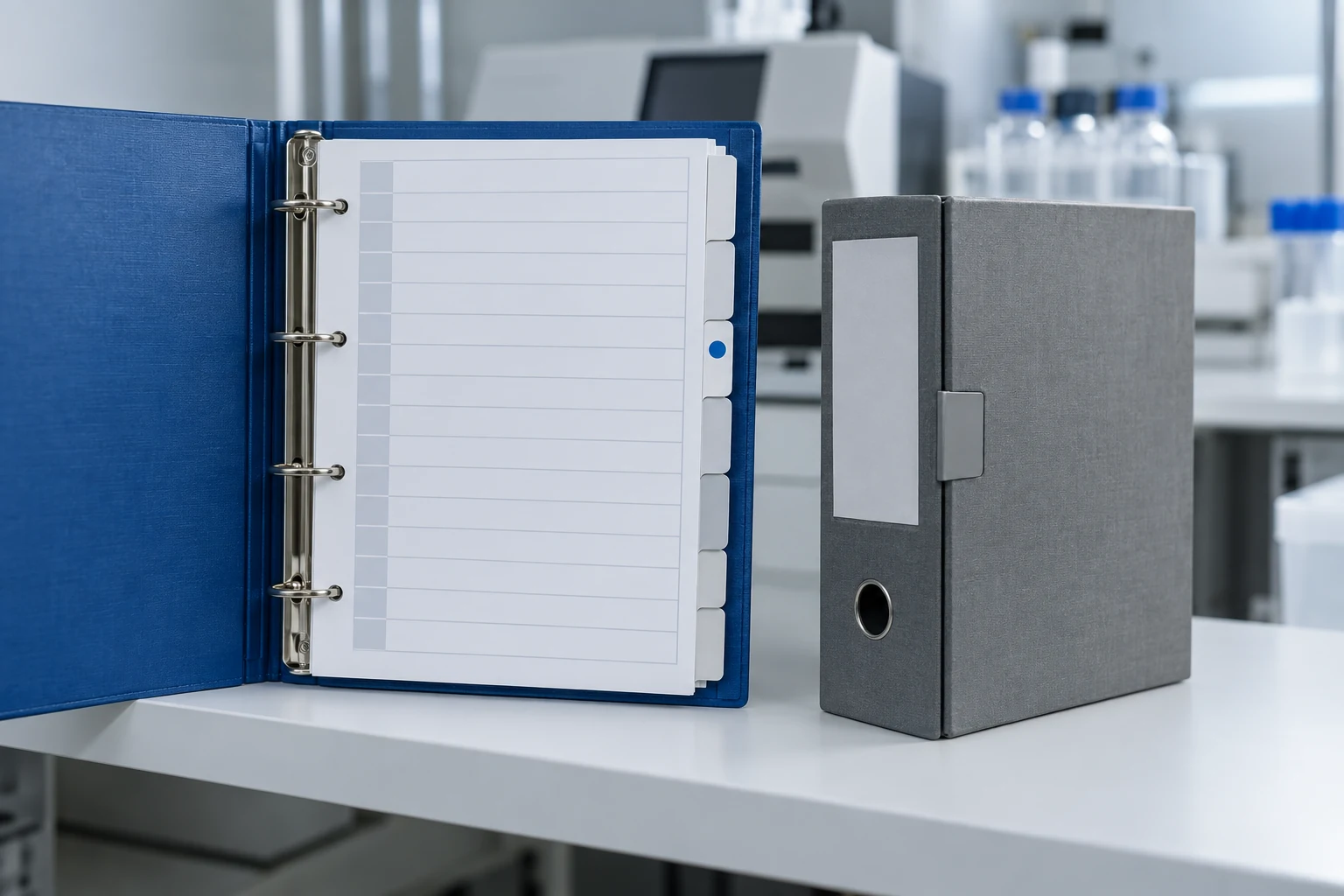
Match documents to the physical unit
Start with the asset code, manufacturer, model, and available serial number. Check the manual’s scope rather than only its filename. One document can cover several models; similar-looking units do not necessarily use identical guidance.
If a manual has software-version or configuration boundaries, record confirmed information. Do not infer compatibility from the download year. A computer’s saved-file date may differ from the document’s publication or revision date.
Connect the index with the instrument asset register. The register identifies managed units while the index identifies linked references. Consistent codes help staff find documents without duplicating identity across many locations.
Record each document’s identity
Use its title, document number where available, revision, stated date, publisher, and storage location. Add language and equipment scope when relevant. Do not invent a revision number that appears to come from the manufacturer when none is stated.
For documents without version numbers, preserve information actually available and mark questions requiring confirmation. “Version not confirmed” is clearer than assigning numbers based on the order files arrived in a folder.
Distinguish originals from internal copies. If staff create a usage summary, identify it as an internal document with an owner. A summary does not automatically replace the manufacturer’s manual or approved organisational procedures.
Separate active and archived status
Define status terms the team understands: active reference, awaiting review, or archive. An authorised person assigns active status rather than doing so merely because a new file arrived. The latest document may not apply to every owned unit.
Retain traceable archives. Previous titles, versions, and replacement reasons can help explain earlier records. Do not erase the entire history simply to make a folder look tidy.
The WHO equipment-archive guidance discusses storing equipment documents and records. An internal index helps locate those references without treating folder organisation as a claim of compliance with a particular standard.
Use consistent names and locations
Agree a readable naming pattern, such as asset code, document type, and the actual revision. Names support searching while the index explains details. Avoid repeated “final” labels without a defined status meaning.
Separate the main reference from temporary copies under review. For linked documents, record a location accessible to authorised users. Do not make one employee’s private messages the only route to a manual.
Decide how printed copies are handled if used. Readers need to understand how to confirm that a copy matches the active reference. Follow the organisation’s document system rather than adding a generic label without a review owner.
Assign update ownership
Give a role or individual responsibility for reviewing new documents. They match equipment scope, contact the source when needed, and update status under the procedure. Receiving an email does not automatically authorise somebody to approve the document for use.
Record what changes when a reference is replaced. Users need to know whether the update affects work steps, interfaces, accessories, or a particular explanation. Content review belongs to people understanding the instrument and intended use.
Communicate changes through the agreed internal channel. Replacing a file without notice may leave some users following an old copy. Connect follow-up with any explanation or training needs determined by the organisation.
Check the index through a search example
Choose one unit and ask a user to find its active manual, accessory guide, and relevant archive record. See whether the correct reference is found without help from the folder’s creator. Findings can improve confusing names or relationships.
Check links and access with an authorised user. A listed document is not necessarily readable. If a file moves, update its reference without casually changing document identity so its history remains traceable.
During instrument handover, include the index and unresolved document questions. Discussions with Tri Anugerah Sejati can start from known models, configurations, and versions. A clear list supports requests for appropriate references rather than merely asking for “the latest manual”.