
Operations & Support
Recording Laboratory Instrument Handovers between Users
Use a concise record to pass instrument identity, status, accessories, approved configuration references and exceptions to the next user.
Published October 2, 2026
An instrument used by several people needs information that can pass from one user to the next. “Finished using the equipment” does not explain status, accessories or conditions that another person should know. A handover record helps the next user understand its last recorded state before following their working procedure.
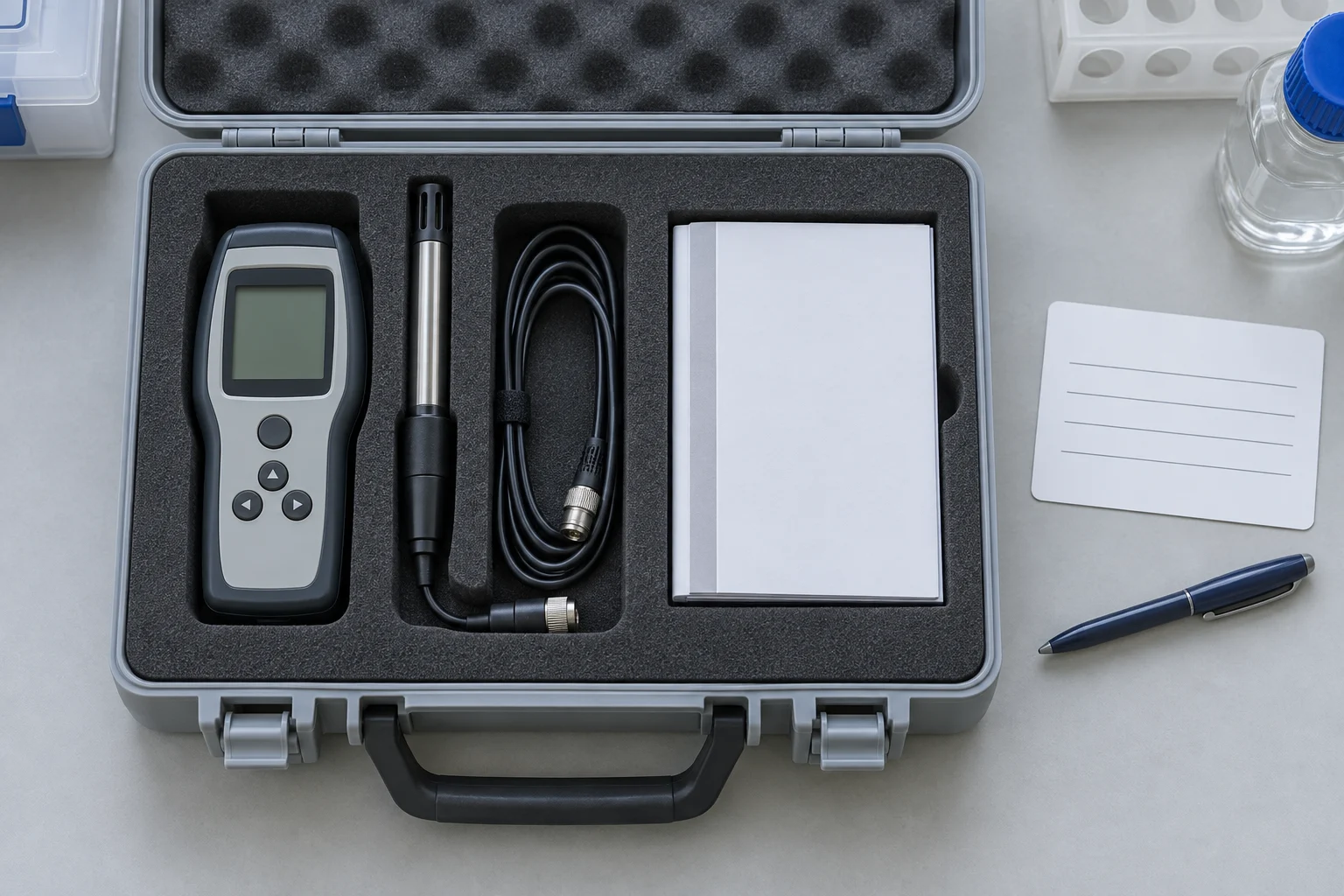
The following example is a general administrative design. Operation, accessory removal, cleaning and suitability decisions must continue to follow manufacturer manuals and applicable laboratory SOPs.
Use a consistent identity
Record the instrument identity from the asset register, location, date and the people handing it over and receiving it. In a fictional example, LAB-001 refers to one instrument in the register. The code must match the actual equipment concerned, rather than merely naming a group of devices.
If equipment moves, record its actual location and responsibility under the laboratory’s process. Avoid changing register information through personal notes that never reach its administrator. The handover and asset register should be able to refer to each other.
Record status using available evidence
Use status terms agreed by the laboratory, such as available for use under procedure, awaiting inspection or held out of use until a responsible person decides. A user’s note must not override an existing restriction label.
If a device notification or unresolved incident occurs, describe the observation and its timing. Do not guess a cause or write “normal” solely because the screen returns to its starting page. Link the incident or related work record so the information can be traced.
Match accessories and configuration references
The accessory list should follow the instrument and local procedures. Note the items handed over, their storage locations and anything incomplete. Avoid opening or removing components just to complete a list if that action is outside the user’s authority.
For configuration information needed by the next user, record an approved setting or method reference. A handover note is not the place to introduce new technical settings. If method information has restricted access, use a link or document number within the authorized system.
Provide space for exceptions
An exception field can identify unreturned accessories, unfinished checks or questions awaiting a decision. Each item needs a responsible person and next action. An empty field does not automatically prove that every condition has been inspected.
The receiver reviews the note under the agreed process and clarifies incomplete information. Record receipt time if needed. Do not treat a sent message as proof that the handover has been received and reviewed.
Try a handover example
Imagine a fictional entry for instrument LAB-001. The first user finishes work under the applicable SOP and records that an accessory is in its designated storage location. A device notification has also been reported to the responsible person, but the next decision is still pending. Separate those details: the accessory location is an item record, while the notification is an open exception.
The next user reads the note before receiving the handover. They match the unit identity and work reference, then ask about the exception through the laboratory process. They do not remove the note simply because they have not seen the same notification. The responsible person decides the next action within their authority and records that decision in the managed location, including its reference for subsequent review.
This example does not determine whether a particular instrument may be used. It shows how information can pass between users without becoming another person’s technical conclusion. A clear note identifies facts, unfinished matters and the person managing the decision.
Define each person’s responsibility
A handover should explain when responsibility transfers under laboratory rules. If a sender has completed the form but the receiver has not reviewed it, its administrative state can be recorded under the local process. Avoid a “complete” label that fails to distinguish writing, checking and receiving the note.
Decide who may correct inaccurate information. For example, a location might be written incorrectly while the sender can still explain the actual place. The correction should have a clear reference so another reader does not encounter conflicting descriptions without an explanation. Once a record enters the archive, follow the applicable archive correction rules.
Review recurring unclear entries
An administrator can examine several records for fields that remain empty or repeatedly prompt questions. Start by improving the form’s questions, rather than immediately adding many fields. If users repeatedly misunderstand a status label, provide an agreed definition and a suitable example entry.
Record the form version when it changes. Earlier versions may remain in the archive with adequate explanations while new work uses the current version. Avoid rewriting every earlier entry to resemble the latest format when doing so would remove its original context. Storage and access requirements must follow organizational governance.
Connect the record to the equipment archive
WHO equipment archive guidance discusses collecting equipment documents and records. Use the laboratory’s managed archive to store or link handover records under internal rules, keeping information out of disconnected conversations.
Discuss device, documentation and support requirements through Trianugerah Sejati contact, and explore relevant laboratory products. Administrative forms support traceability of information; technical suitability and compliance still require appropriate processes and evidence.