
Operations & Support
Building a Laboratory Instrument Asset Register
Connect instrument identity, location, responsibility, status and supporting records so the right asset information can be found when needed.
Published October 1, 2026
Instruments with the same model name may sit in different rooms, be used by different teams or have different service histories. An asset register connects that information to the correct physical unit. Its purpose is to make answers easier to find when a team needs documents, arranges service or considers replacement.
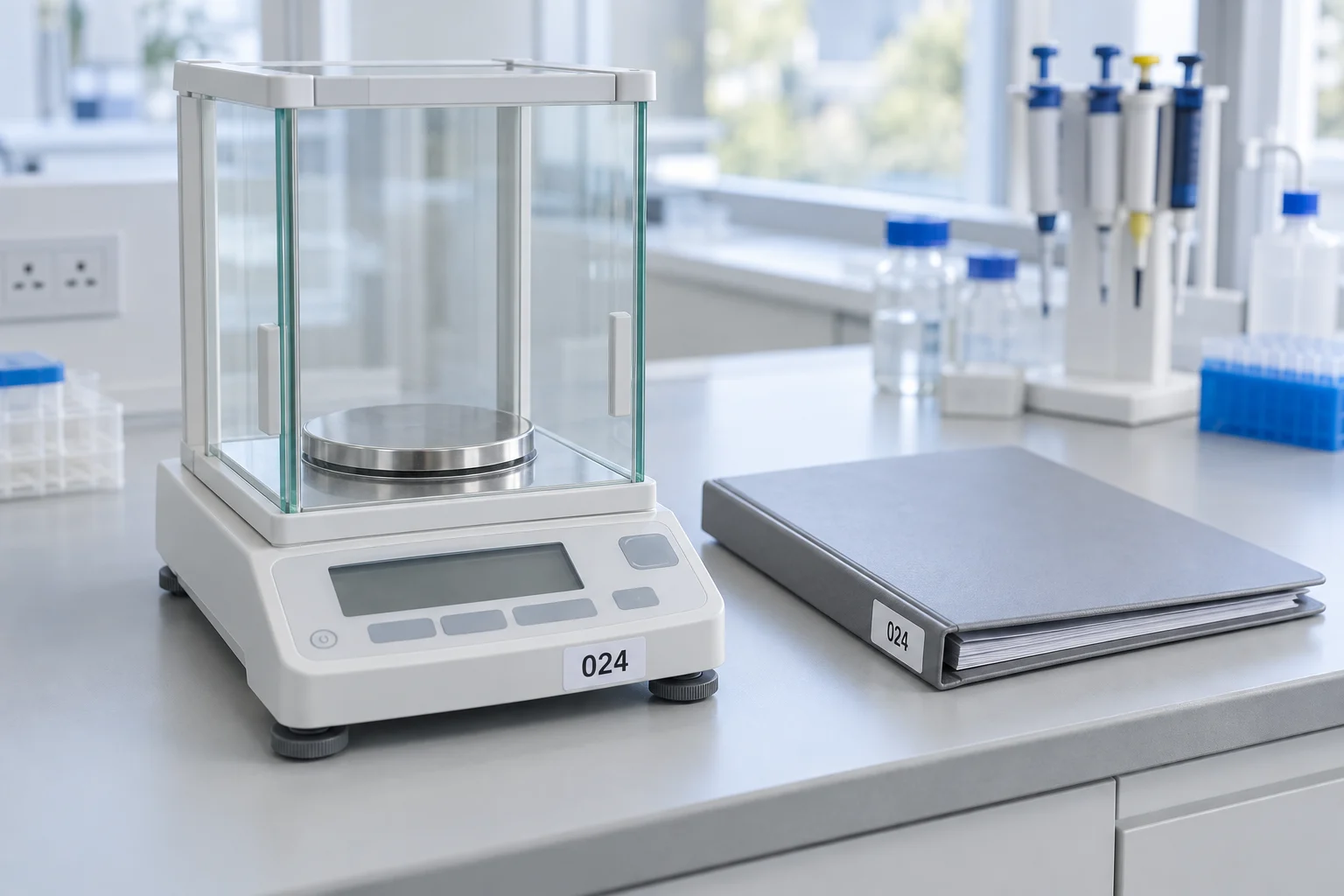
Give each unit an identity independent of location
Use a stable asset code for one unit. Room names may change, so location should be a separate field. Record the make, model, available serial number and a short description of the unit’s role. Match these details against physical labels and existing documents.
An internal format such as LAB-001 is only a naming example. An organization can use another system provided a code is not shared by two active units. For accessories managed together, describe their relationship with the main instrument so the list remains understandable.
Separate identity, status and documents
| Information group | Example contents |
|---|---|
| Identity | Asset code, make, model and serial number |
| Use | Location, responsible person and designated role |
| Status | Ready for use, awaiting evaluation or out of use under an organizational decision |
| References | Manual, service records, procedures and relevant measurement documents |
| Updates | Information review date and the person making the update |
Status labels need meanings the team understands. Do not mark a unit “ready” simply because it powers on. That decision follows the evaluations required by its procedures and intended use. The register records a decision rather than replacing technical inspection.
Link records without duplicating everything
Store documents in a managed location and put links or reference numbers in the register. When a service record changes, a reader should be able to find the current record without sorting through several different copies.
WHO provides guidance on an equipment register and an equipment document archive. Use these references when discussing your organization’s system. A complete spreadsheet alone does not demonstrate conformity with a particular standard.
Distinguish units of the same model
Imagine two fictional units of the same model in different rooms. One has a recent service record while the other awaits inspection. If a list only contains the model name, a reader may open the wrong document. Use the matched asset identity and serial number to distinguish the units.
When migrating old information, avoid immediately combining rows with similar names. Review identity evidence, locations and associated records first. If it remains unclear whether the rows refer to one unit, flag the question for resolution. Remove duplicates only once identity is clear, using the organization’s applicable process. Similar names are a reason to inspect, rather than evidence that a row is redundant.
Record information sources and verification dates
An information source field can distinguish data from a physical label, a purchase document or a service record. An inspection date indicates when that information was last matched. Together they help readers understand a value’s status without assuming all rows were verified at the same time.
For example, a location may be checked during this week’s room visit while a purchase document is found later. Do not equate the date a document was discovered with an instrument installation date. Use clear date labels so readers know which event each value represents. For unavailable details, use an unknown status and assign someone to investigate, rather than entering a substitute date or number that appears complete.
Manage changes and subsequent review
Agree on fields users may update, fields managed by the asset owner and the process for requesting corrections. In an example internal design, a user reports a unit move and the register administrator checks its location before updating the main list. The actual process must follow organizational responsibilities.
Keep one principal list and clear references for working copies. If several people use spreadsheet exports, include the export date so an older copy is not mistaken for the current state. When a correction affects another document, record which document needs review. A subsequent inspection can start from that change list, rather than asking the team to hunt for differences across separate conversations.
Use the register to prepare questions
Before a consultation, select the relevant instrument row and collect its document references. Explain the need being discussed, such as accessory identification, device support or purchasing a unit for a particular use. The register helps a question identify the correct equipment, while technical answers still require product information and usage context.
Avoid sharing the entire register when only a few rows are needed. Follow organizational rules for shareable information and include the documents actually required. A focused summary is easier for the buyer, user and supplier to review together.
Start with one area and check actual records
When existing information is incomplete, begin with one room or instrument group. Match physical units with available records and responsible users. Mark missing details as unverified; do not estimate serial numbers or service dates.
Decide when the register changes, such as after a unit moves, receives service or is taken out of use. Assign responsibility for its structure while defining who may update operational details. Back up documents through the organization’s established process.
When discussing laboratory instruments, bring asset identities and usage context. Through PT Trianugerah Sejati’s contact page, a clear summary helps with service or procurement discussions without confusing two similar units.