
Selection & Procurement
Preparing Scenarios for a Laboratory Instrument Demonstration
Prepare questions, approved usage examples, participants, and observation notes so an instrument demonstration addresses your laboratory's requirements.
Published October 5, 2026
An instrument demonstration lets a team see equipment and ask questions before a procurement decision. To make the session useful, bring requirements you want to examine. Watching every feature without context can leave important questions unanswered.
A demo scenario is an observation and discussion brief. It does not replace method validation, technical evaluation, or organisational operating procedures. Sessions follow manufacturer instructions and authorised personnel’s directions, using materials and activities approved for that session.
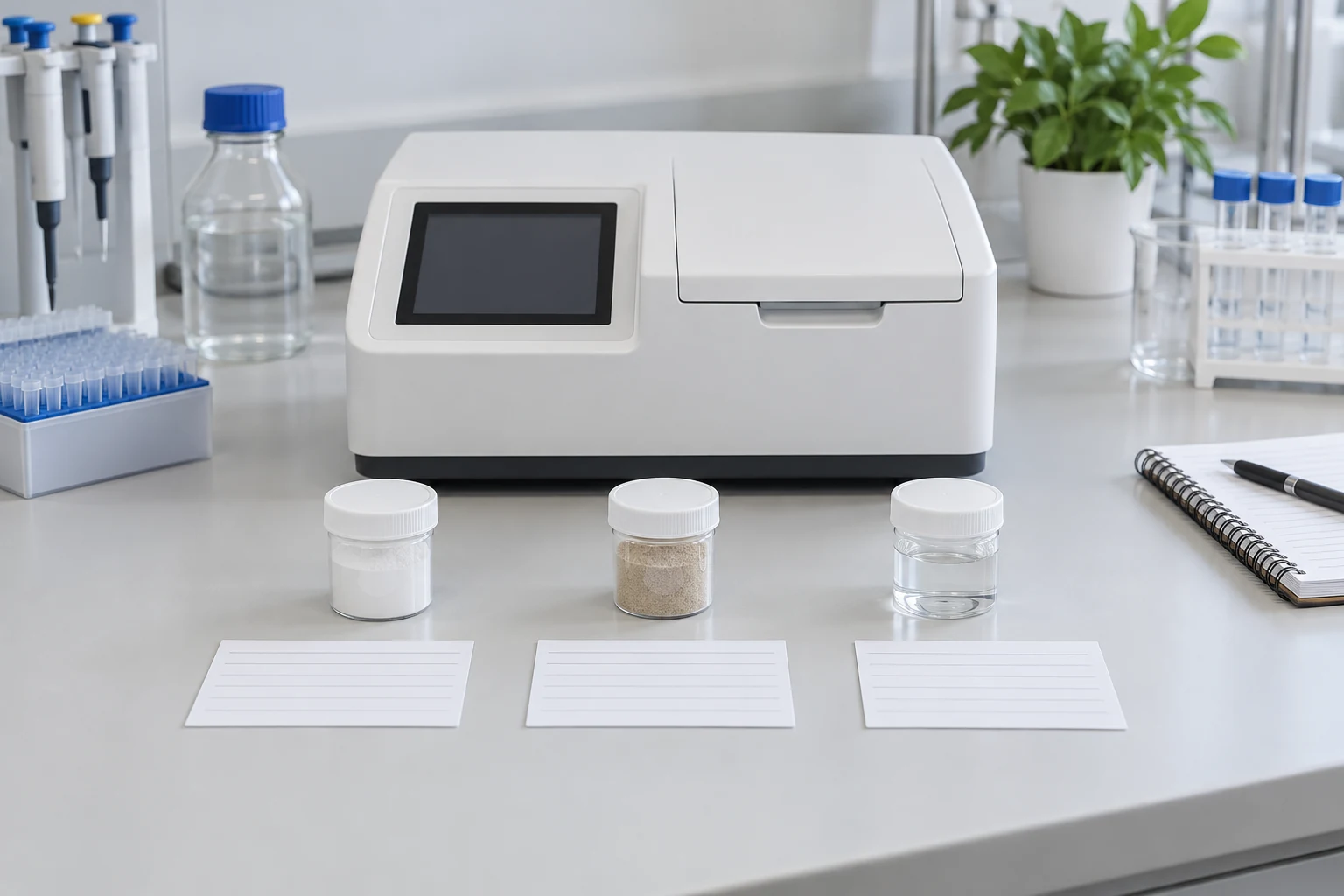
Define the decision the session supports
Start with the reason for the session. Does the team need to understand operator workflow, output formats, accessories, or document management? Choose questions connected to procurement decisions rather than requesting an explanation of every available menu.
A fictional example: two instruments are being considered against defined requirements. The team wants to understand how job identity appears in results and how documents can be traced. Discuss the scenario with the supplier beforehand so the requested capabilities can be explained appropriately.
Connect the brief with defining instrument requirements. Demonstrations are more focused when objectives, usage conditions, and initial questions are written down. Do not expect a short session to resolve requirements the team has not agreed internally.
Choose representative scenarios
Use approved examples within the equipment’s scope. Explain the work context, information to observe, and session boundaries to the supplier. Do not bring materials or request testing without confirming suitability.
Separate the main scenario from additional questions. One example followed from start to result is more useful than many examples left unexplained. The scenario count follows the purpose, readiness, and time agreed by both parties.
Identify sample data and matters needing further evaluation. A demo can explain a workflow without proving performance under every operational condition. Preserve that observation boundary in the notes.
Agree participants and responsibilities
Include people understanding use, document management, and procurement decisions as needed. Not every participant has the same job. Assign the main questions and note-taking so information is not lost during the session.
If future operators cannot attend, collect their questions beforehand. Procurement staff may ask about package scope while operators ask about steps they will perform. Both need to be heard without one replacing the other.
Also assign responsibility for follow-up decisions. Suppliers can explain device capabilities, but internal requirements and acceptance decisions remain with the organisation. Clear responsibilities reduce the risk of spoken answers being treated as final approval by everyone present.
Prepare a simple observation sheet
For each scenario, record the question, intended observation, observed result, and follow-up. Add the demonstrated equipment’s confirmed identity. Model, configuration, accessories, or software version can affect the explanation’s context.
Use traceable descriptions. “The result opened through the menu shown” is clearer than “the system is good”. If a need was not demonstrated, mark it as not demonstrated rather than unsupported unless the supplier confirmed that limitation.
The WHO equipment-register guidance provides context for equipment identity. Accurate identity in demo notes helps the team understand which unit and configuration supported the explanation received.
Separate observation from statements
Mark information actually seen during the demo separately from spoken explanations. Both may be useful but have different foundations. Record reference documents or the person providing confirmation for unanswered questions.
For example, an output may appear during the session while compatibility with a receiving system still awaits documentation. Do not combine them into a conclusion that the entire integration is complete. Preserve the status of each requirement for accurate subsequent discussions.
Avoid comparative scores without consistent criteria. If two devices are demonstrated in different contexts, identify those differences. The team needs to know whether it has sufficient comparable information or requires further explanation.
Record documents and follow-up questions
Request relevant manuals, specifications, or documents within the quotation’s scope. Record names and versions where available. The WHO equipment-archive guidance discusses equipment documents and records; use references applicable to the unit.
Assign an owner to each follow-up question. Record what information is awaited, who should answer, and which decision depends on it. Do not remove questions merely because the session ended or participants feel familiar with the interface.
The demo summary can support the next discussion with Tri Anugerah Sejati. Provide requirements, open questions, and discussed configurations. Follow-up then starts from clear observations without treating a demonstration as evidence accepting all instrument performance.