
Operations & Support
Writing an Instrument Fault Description for Technical Support
Organise unit identity, event sequence, and observations so a laboratory instrument support request is easier to understand.
Published October 12, 2026
When an instrument develops a problem, the first support message often says only that the equipment cannot be used. That describes the impact on the user but does not explain what was observed or at which stage the issue appeared. An organised note helps the recipient understand the question without guessing the unit’s condition.
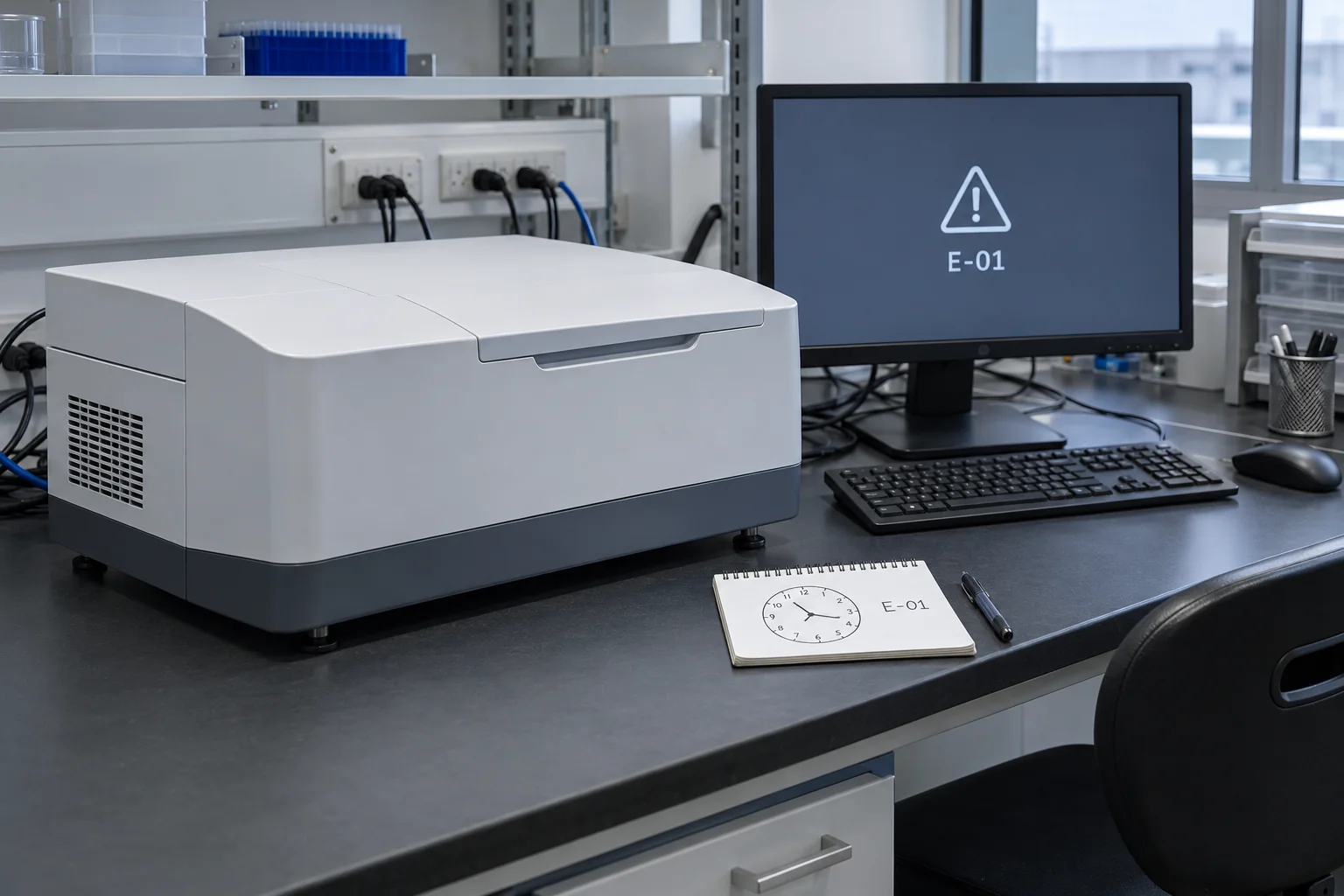
Prepare a summary from observations actually made. Separate facts, authorised actions, and suspected causes. The aim is to provide context for suitable support, rather than diagnose the problem independently. Decisions about stopping use, handling samples, and technical steps follow organisational procedures and manufacturer instructions.
Confirm the correct unit identity
Start with the instrument name, model, internal identifier, and serial number if the support route requires it. Match these details against the unit label or the organisation’s register. Two similar-looking instruments can have different configurations, so a general photograph may not establish identity.
If software is involved, record the application name and version visible through an authorised method. Do not change settings to obtain extra information. Identify related equipment only when relevant, without sending an entire system inventory or unnecessary network details.
WHO discusses equipment registers as a place for unit identity and information. Use your organisation’s register as the support-request reference. A complete summary does not establish compliance with a particular standard.
Explain the activity before the issue
Describe the work stage when the first symptom appeared. An application may have been opened, an approved method selected, or a normal process may have reached a particular stage. Use a time sequence instead of broad conclusions such as always fails.
Record when the event was observed and whether it had appeared before. If it occurred once, describe one event. If repeated, state the observations actually recorded. Avoid calling it random when times or conditions have not been compared.
Limit context to information needed and permitted for sharing. Do not include sensitive sample, customer, or result identities in a general message. Use an appropriate internal reference and ask for a suitable secure route if support requires additional files.
Copy displayed messages accurately
If the screen shows a code or message, record its spelling and sequence. A photograph or screenshot can be attached where permitted. Make sure it shows the message with enough context without exposing unrelated data.
Distinguish the first message from subsequent messages. One notification might appear at application startup, followed by another after an authorised step. Treating both as one message makes the event sequence harder to understand.
If no message appears, describe what can be observed: a screen remains unchanged at a specific stage, or an indicator identified in the manual shows a particular state. Avoid turning that observation into an assumption that a component has failed. Support needs facts to determine the next questions.
Record actions already taken
List only steps actually performed within authorisation and procedure. Include the result of each step, even when nothing changed. Writing tried everything does not tell the recipient what happened.
Do not open the unit, bypass safeguards, or alter parameters to produce extra evidence outside your authority. If procedure requires use to stop, record that status and the internal person informed. Clear evidence can be collected without expanding technical intervention.
| Summary section | Useful information type |
|---|---|
| Identity | Confirmed model and unit number |
| Context | Usage stage when the symptom appeared |
| Observation | Visible message, indicator, or change |
| Action | Authorised step and its outcome |
| Status | In use, stopped, or awaiting a decision under procedure |
This table is a recording framework. Adapt terms to the instrument and organisational procedure rather than treating the examples as conditions that always apply.
Frame a question for support
End with an answerable question, such as which further information is required or which handling route is appropriate. Avoid asking support to confirm a suspected failed component before discussing the symptoms. Identify an internal contact able to answer follow-up questions.
Keep the summary and attachments under a consistent request identity. If another event occurs, add its time and changed conditions. Do not replace the starting record in a way that removes the observation history. The case status can change while the first observations remain available as a reference.
Company information and enquiry routes are available through Trias, PT Trianugerah Sejati. Other instrument operations articles can help prepare records and requirements for discussion while manufacturer documentation remains the operational reference.
Check before sending
Ask the person who made the observations to read the summary. Confirm unit identity, times, messages, and actions. Make sure files contain only information permitted for that communication channel.
A useful summary tells the recipient which instrument, activity, symptom, and current status are involved. That clarity improves the support conversation because both sides can discuss the same event and decide the next step using traceable information.