
Operations & Support
Separating User and Administrator Access in Instrument Software
Define instrument software user and administrator tasks from actual work requirements and confirmed product capabilities.
Published October 14, 2026
Instrument software may be used by people with different tasks: running approved work, reviewing data, managing accounts, or configuring the system. When every task uses the same access, an organisation has difficulty explaining who may make changes and who is responsible for reviewing them.
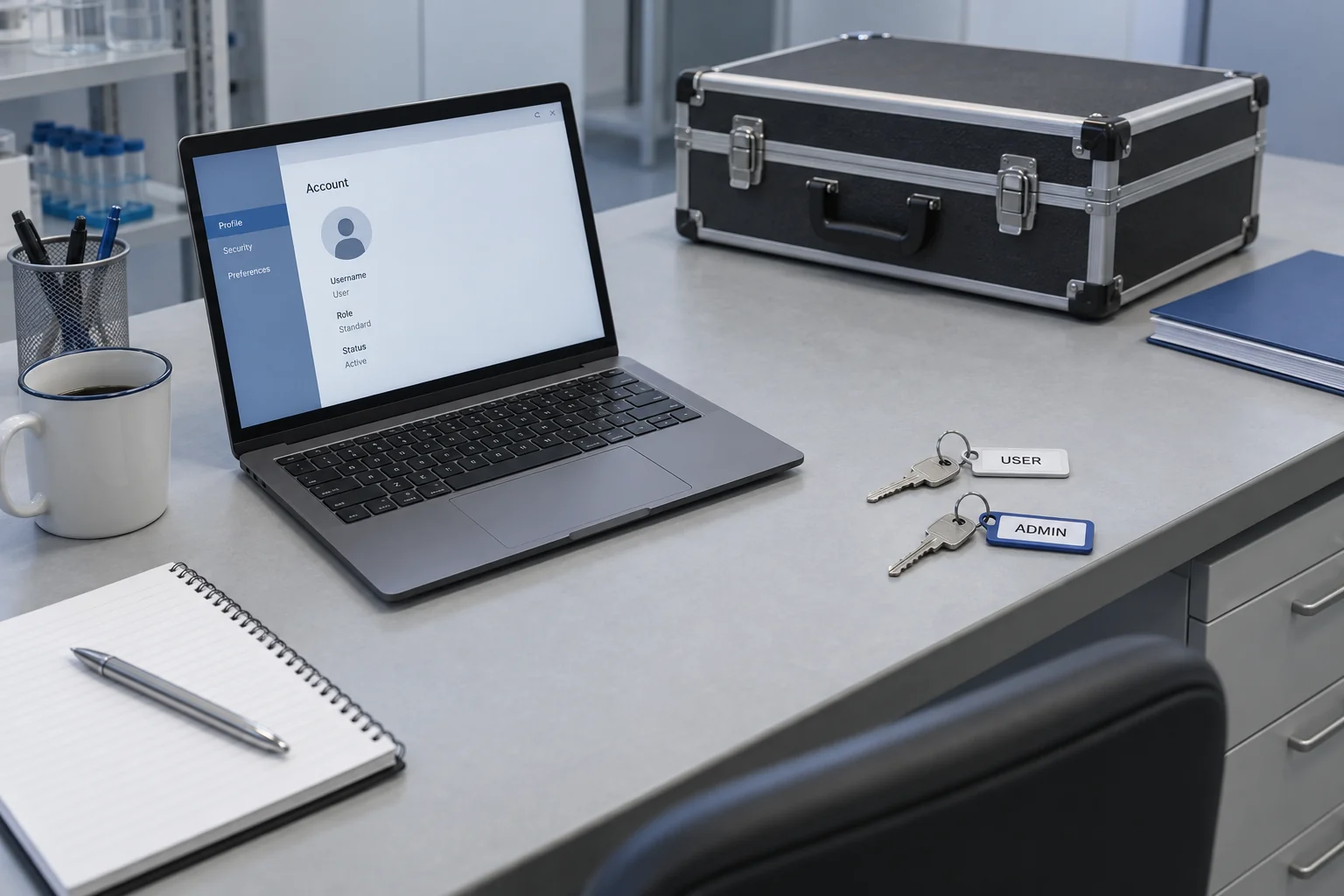
Start with the work that must be done, then match it to the available software features. Role names and capabilities differ between products. User and administrator boundaries need discussion with instrument and system owners using manufacturer documentation. A menu should not be assumed to have identical access controls across versions.
List tasks before naming roles
Gather actual tasks from users. These might include opening prepared work, running a process under procedure, viewing results, or exporting files through an approved route. Separate routine tasks from configuration changes and account identity management.
Use clear action words. Managing data is too broad: it could mean viewing, saving, changing, deleting, or sharing. Split those actions so an access decision can be made for each one. An unclear task is not a reason to grant broad authority.
Ask the process owner to identify responsibility for each action. Someone may need to view results without changing a method. Another person may manage accounts without assessing test results. Separating responsibilities supports the discussion before software settings are selected.
Match tasks to product features
Check the manual and version in use. Find explanations of account types, roles, activity records, and function boundaries. If the manual’s terms differ from organisational language, map them so everyone discusses the same capabilities.
Record features that remain uncertain. Not all software provides detailed access control for every button or change. Ask an appropriate party whether a feature exists, needs a particular configuration, or has usage limits. Avoid promising controls that have not been established for the product.
If the software cannot support the required separation, the organisation needs to decide appropriate procedural handling. Do not assume a manual record automatically replaces a technical control. The gap between needs and capabilities should remain visible in the decision.
Create a simple task matrix
Use tasks as rows and the proposed roles as columns. Each cell can state allowed, not allowed, or awaiting a decision. Add procedure references and the approval owner for parts needing further review.
| Task | Access allocation question |
|---|---|
| Run work | Who is assigned and meets internal requirements? |
| Review results | Who has responsibility for the review? |
| Change configuration | Who may request and approve changes? |
| Manage accounts | Who adds, changes, or disables access? |
| Share files | Which routes and recipients are permitted? |
The table supports discussion; it is not a ready-made configuration. Decisions must follow the product, procedures, and your organisation’s authority structure. Do not copy permissions from another instrument merely because its application looks similar.
Limit access to the task requirement
The least-privilege principle in OWASP’s authorisation guidance supports granting permissions needed for a task. In instrument software discussions, apply it through confirmed product capabilities and decisions made by the process owner.
Avoid making an administrator account the routine choice simply because it produces fewer obstacles. If a task needs additional access, decide who may approve it, for what purpose, and when it will be reviewed. Record the reason so the next team understands the context.
Do not put credentials in a general worksheet or an article. A matrix records roles and permissions, not passwords. Credential handling follows the organisation’s established mechanism and the system’s capabilities.
Plan for changes and task transfers
Review access when someone changes role, stops handling an instrument, or when software is updated. List the review triggers and responsible person. An account still existing does not establish that its authority is still required.
For important changes, record the need, approval, and outcome of checks after authorised settings are applied. Do not test permissions by altering production data or configuration outside procedure. Agree the verification method according to the work’s risk.
Consider replacement access when a responsible person is unavailable. Plan that arrangement without obscuring who performs an action. Dependence on one shared account often makes responsibility questions harder to answer.
Prepare material for an instrument discussion
Bring the task list, software version, and feature questions when using the contact routes available at Trias. These details make the discussion more specific than simply requesting administrator access. Other operational articles can help prepare the records.
Once decisions are made, retain the approved matrix and its review date. Explain each user’s tasks and the route for requesting help when access is insufficient. Clear boundaries help work follow assigned responsibilities while keeping important changes within appropriate authority.